AI Integrator
Connecting an external database and importing its data through MagicPad, with explicit decisions wherever the mapping is uncertain.
Bringing data in from outside BusinessPad.
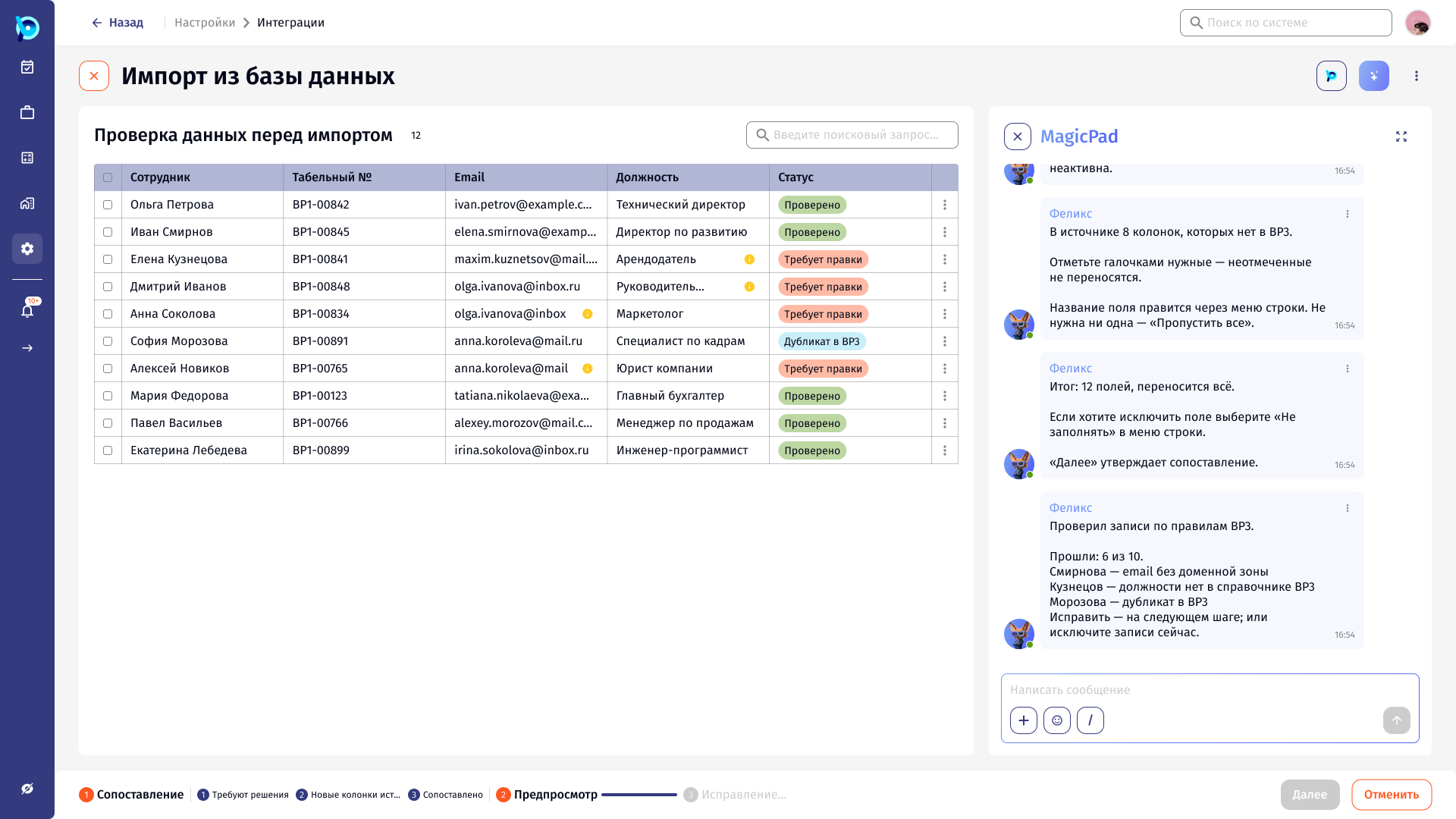
Integrations live in Settings, split into databases, systems, API and AI services. The AI integrator lets a user start an import by talking to MagicPad instead of configuring it field by field.
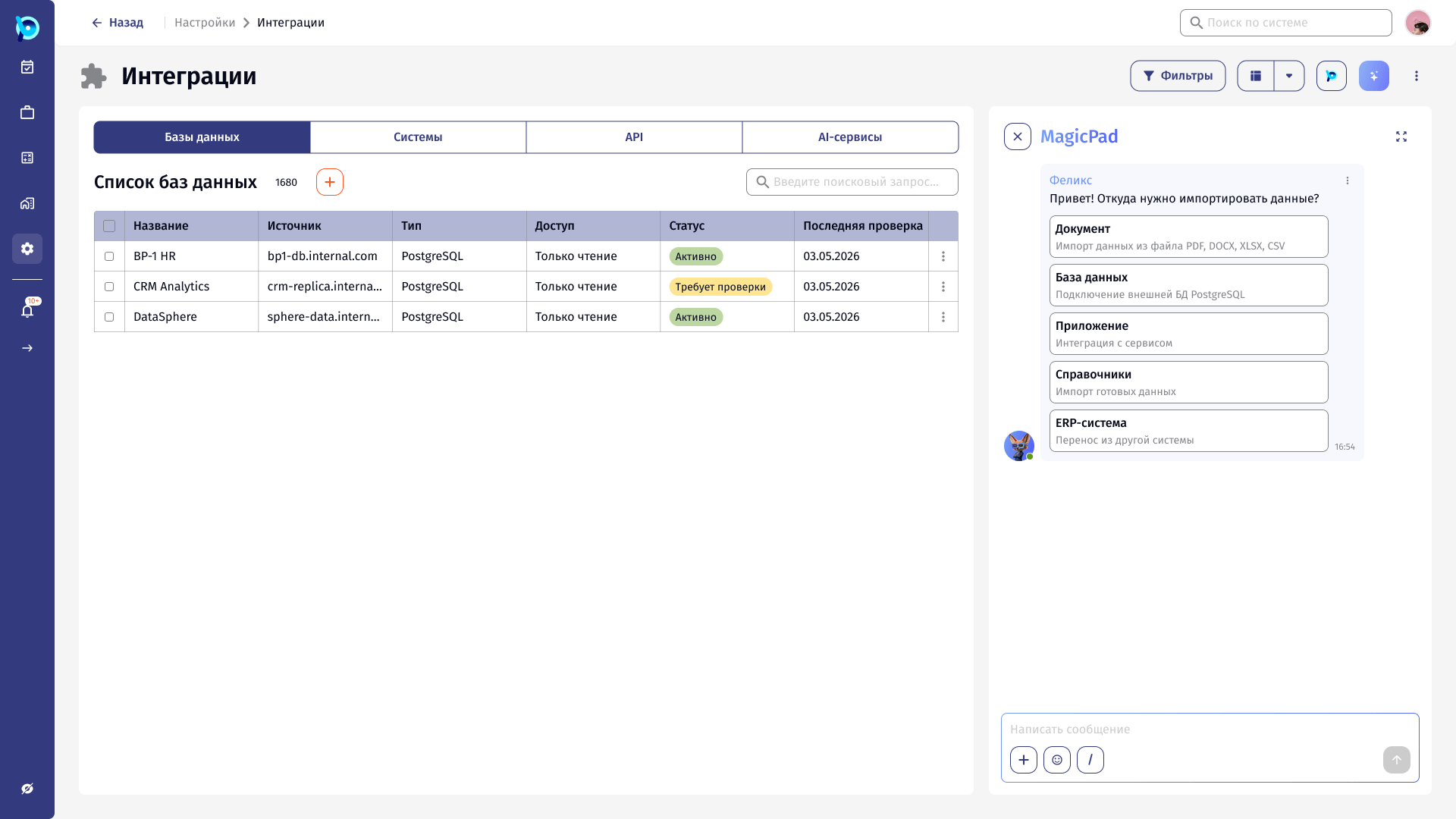
Sources include documents, external PostgreSQL databases, applications, reference data and other ERP systems. The designed scenario imports employees from an HR database.
Mapping someone else’s data model is full of judgement calls.
Source tables rarely match BusinessPad one-to-one. Some columns map with low confidence, some do not exist in the system yet, and some records break its rules: duplicates, invalid emails, values missing from reference lists.
An assistant can propose answers to all of this, but it should not silently write questionable data into typed fields.
Automate the obvious. Ask about the rest.
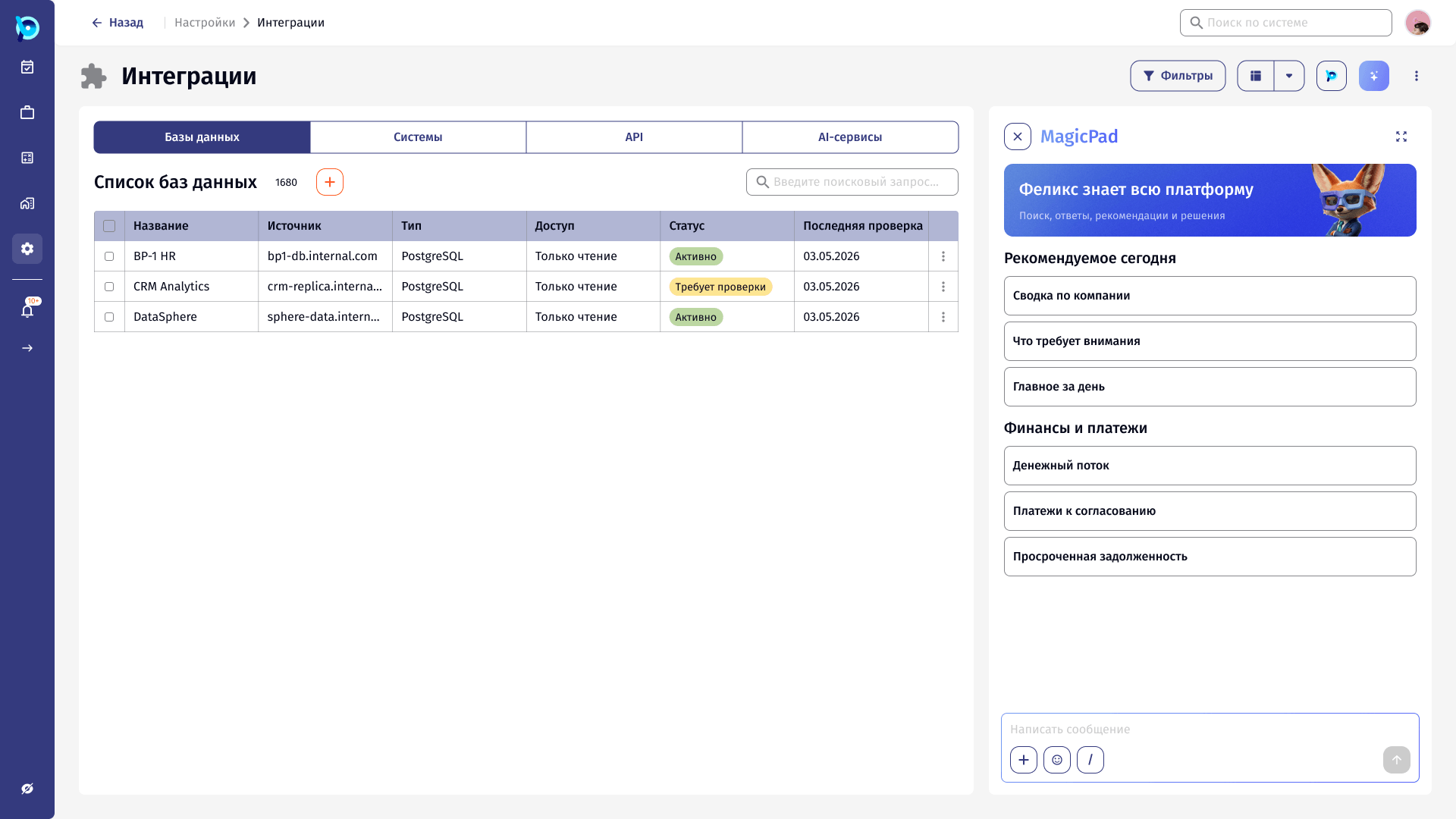
The import is a staged wizard with the assistant alongside it. Mapping comes first, split into fields that need a decision, new columns from the source, and matched fields. A preview checks records against the system’s rules, and a final step resolves each problem.
«Далее» stays disabled until every uncertain row has an explicit answer, and the assistant explains why.
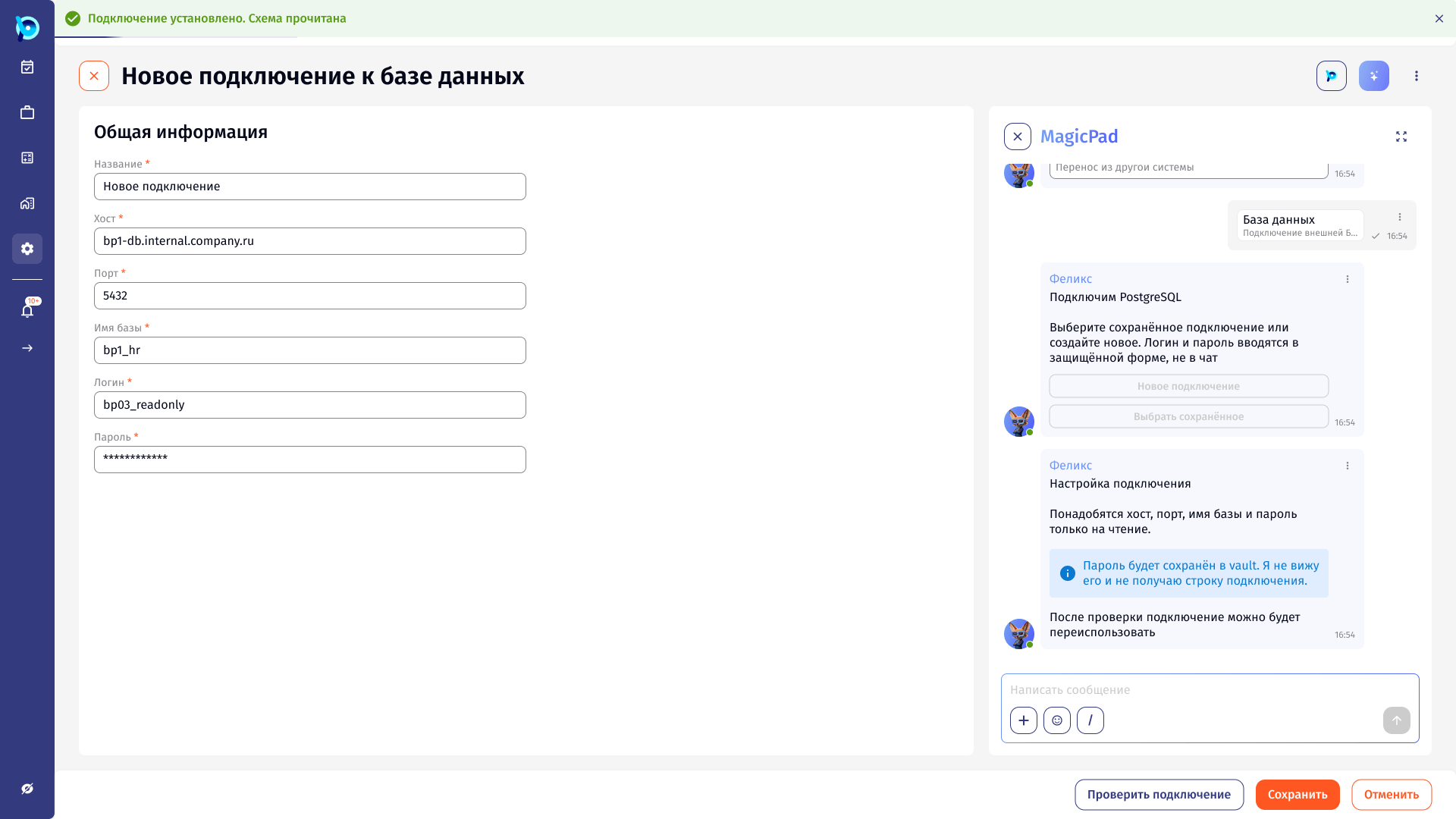
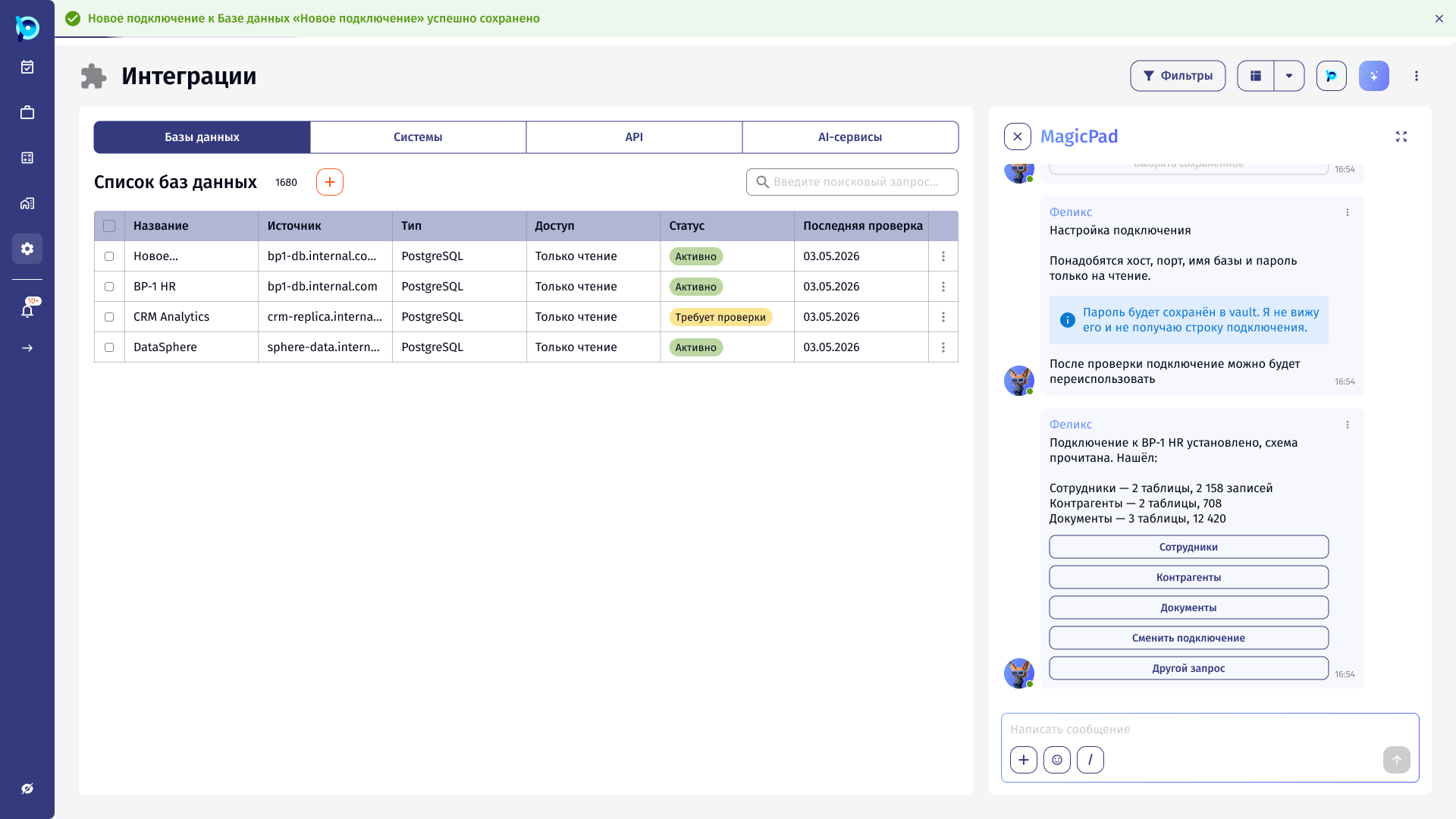
A mapping wizard with an assistant beside it.
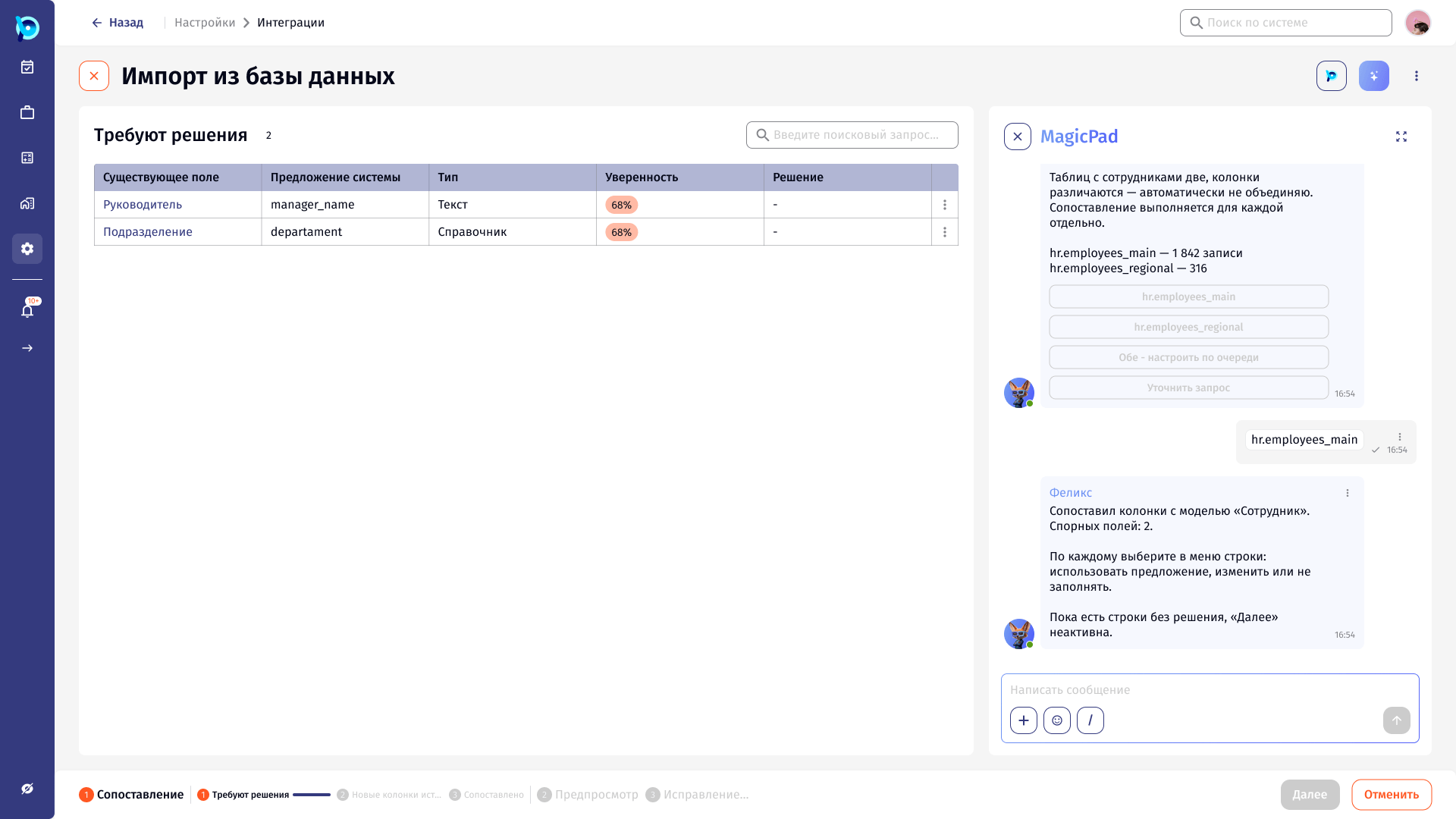
Stepper with sub-steps
Status per record
Assistant explains
Blocked until resolved
Key decisions
Secrets stay out of the chat
Login and password are entered in a secure form; the assistant states it never sees them.
Uncertainty becomes a decision
Fields at 68% confidence wait for the user: use the suggestion, change it or leave it empty.
New columns are opt-in
Unchecked source columns are not carried over.
Manual mappings are labelled
«Сопоставлено вручную» sits next to the AI’s confidence scores.
Problems are grouped by type
Duplicates, formats and reference-data gaps each offer their own options.
The summary is honest
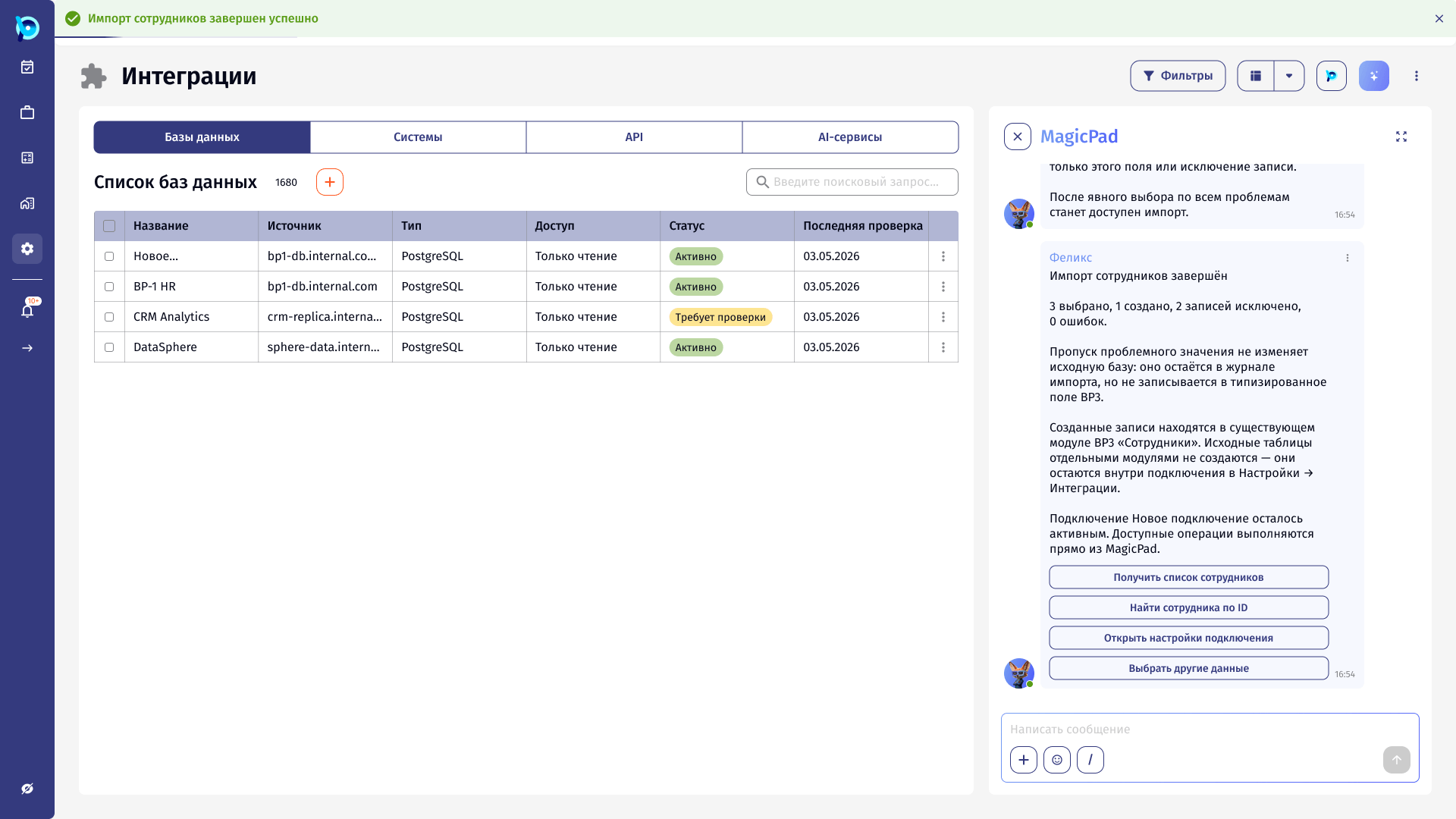
Selected, created, excluded and error counts, plus what happens to skipped values.
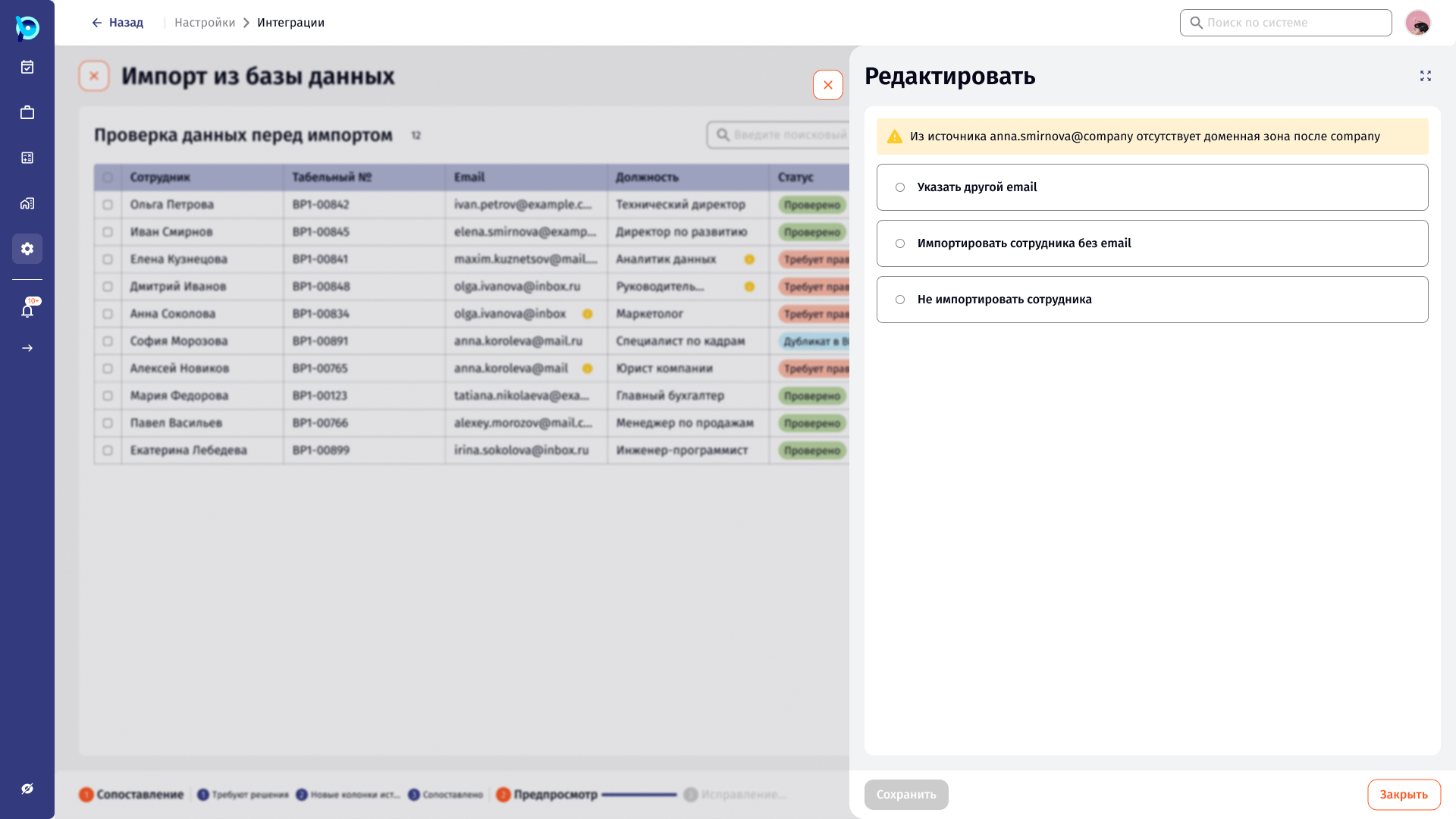
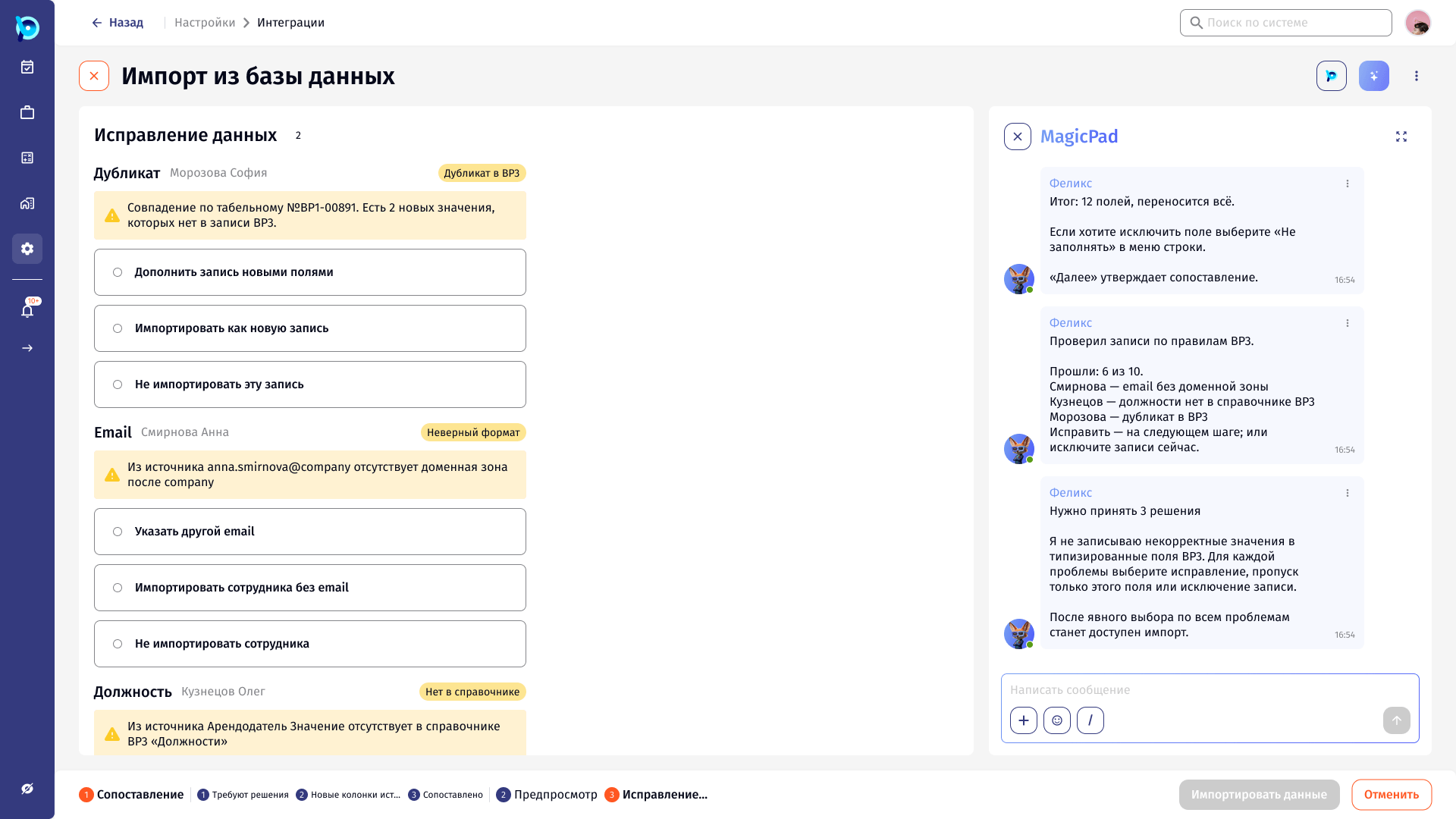
What was designed
An end-to-end Figma flow for AI-assisted database import: choosing a source, connecting securely, reading the schema, mapping fields across three sub-steps, previewing records against system rules, resolving each problem and confirming the result, with side panels for every edit.