Process Variables
Letting process owners define the data a process collects, and decide at which stage each value is entered, without code.
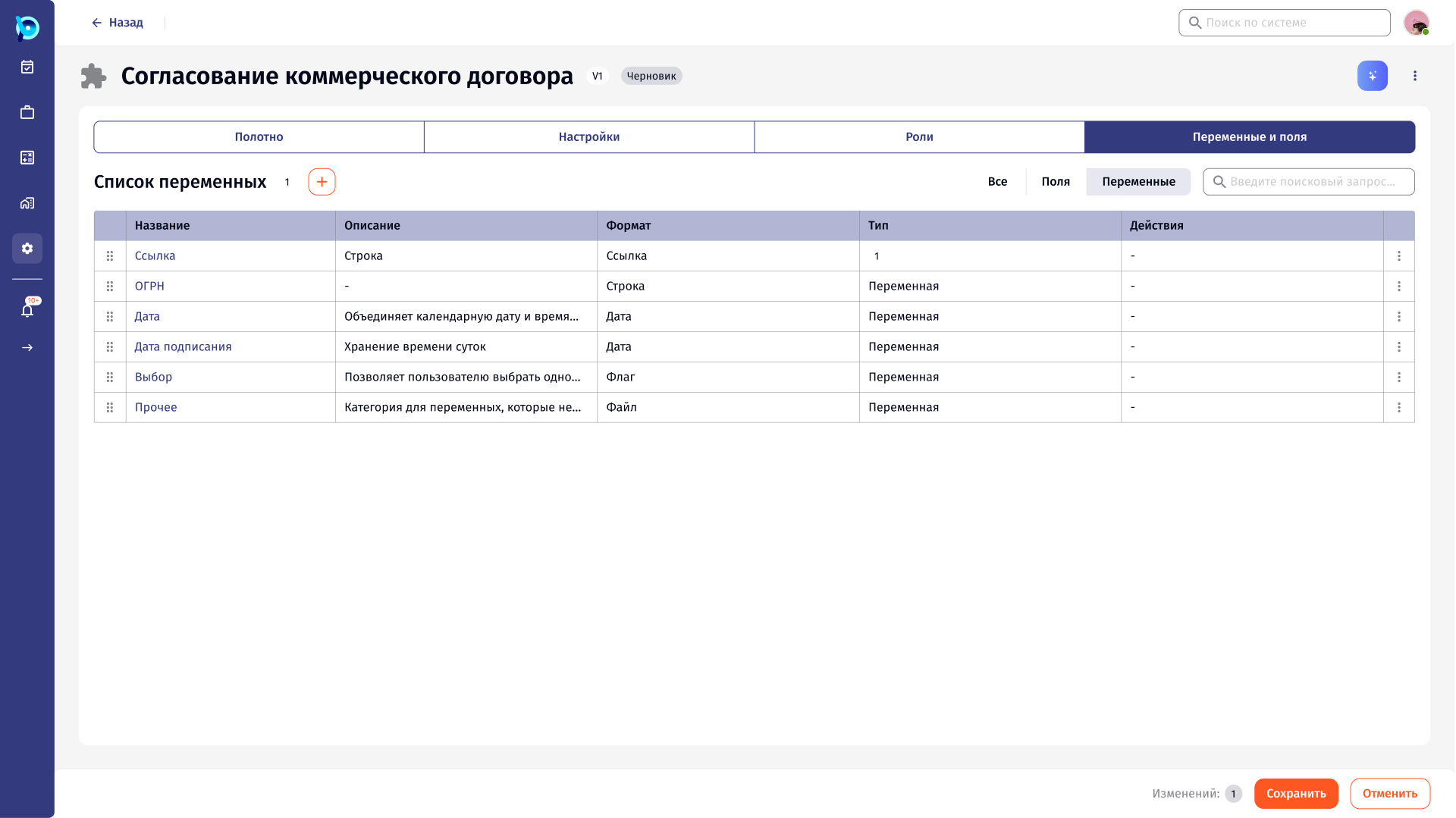
A process is stages plus the data they collect.
In BusinessPad, business processes are built on a canvas: stages, transitions and the roles responsible for each stage.
Variables are the data a process carries, for example a registration number, a signing date or a file. Each variable can be entered or used at specific stages.
Two questions, often mixed up.
Setting up a variable means answering two questions: what the data is (name, format, limits, default) and what happens to it at each stage (who enters it, with what hint).
Asking both in one long form makes it hard to see what has been configured and where.
Define the variable, then attach it to stages.
Adding a variable is a two-step form: first the variable itself, then the action for each stage it is used in. A step indicator at the bottom shows where the user is.
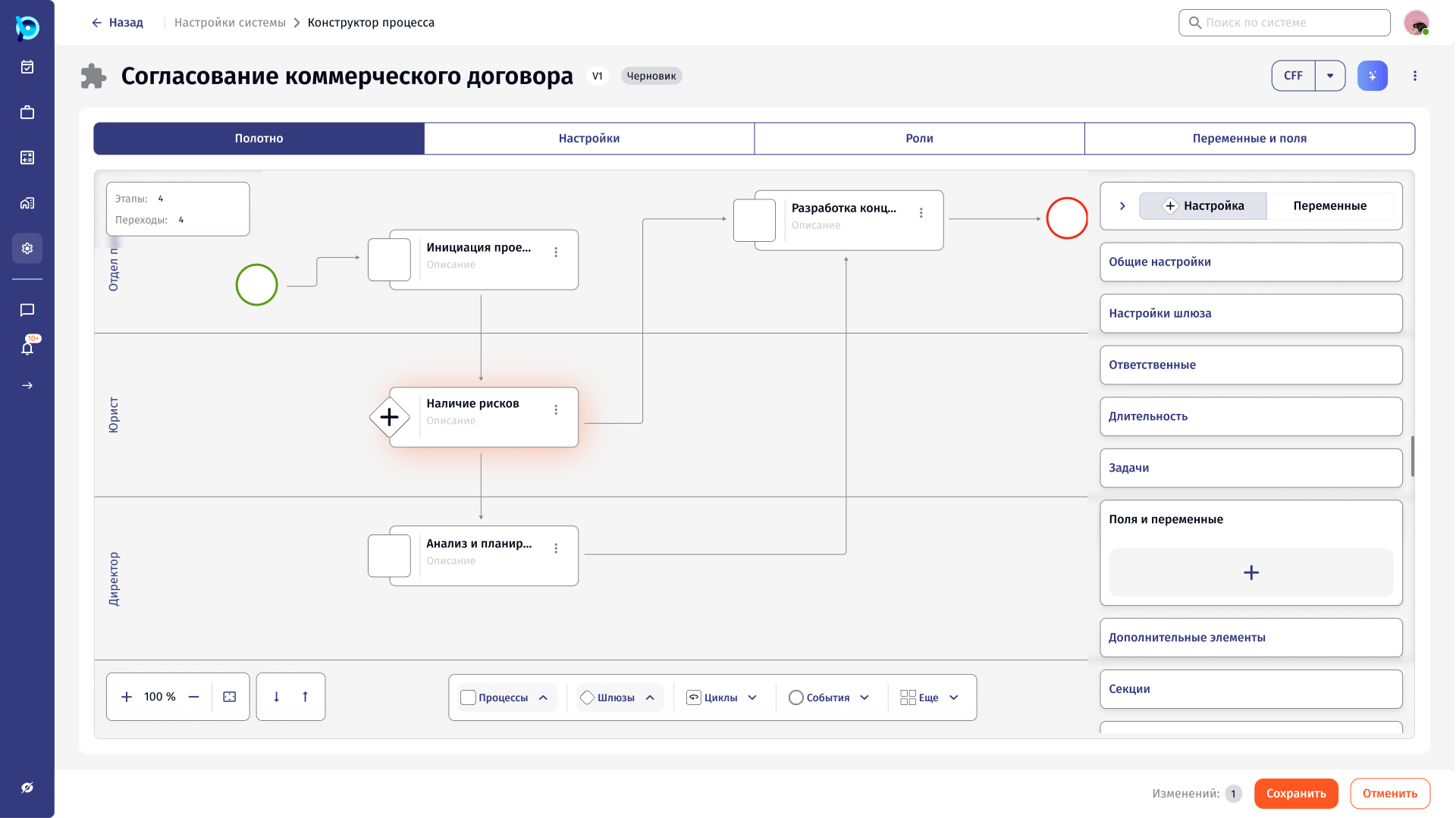
Variables can be added from the process’s variables tab or from a stage on the canvas, and both paths lead to the same forms.
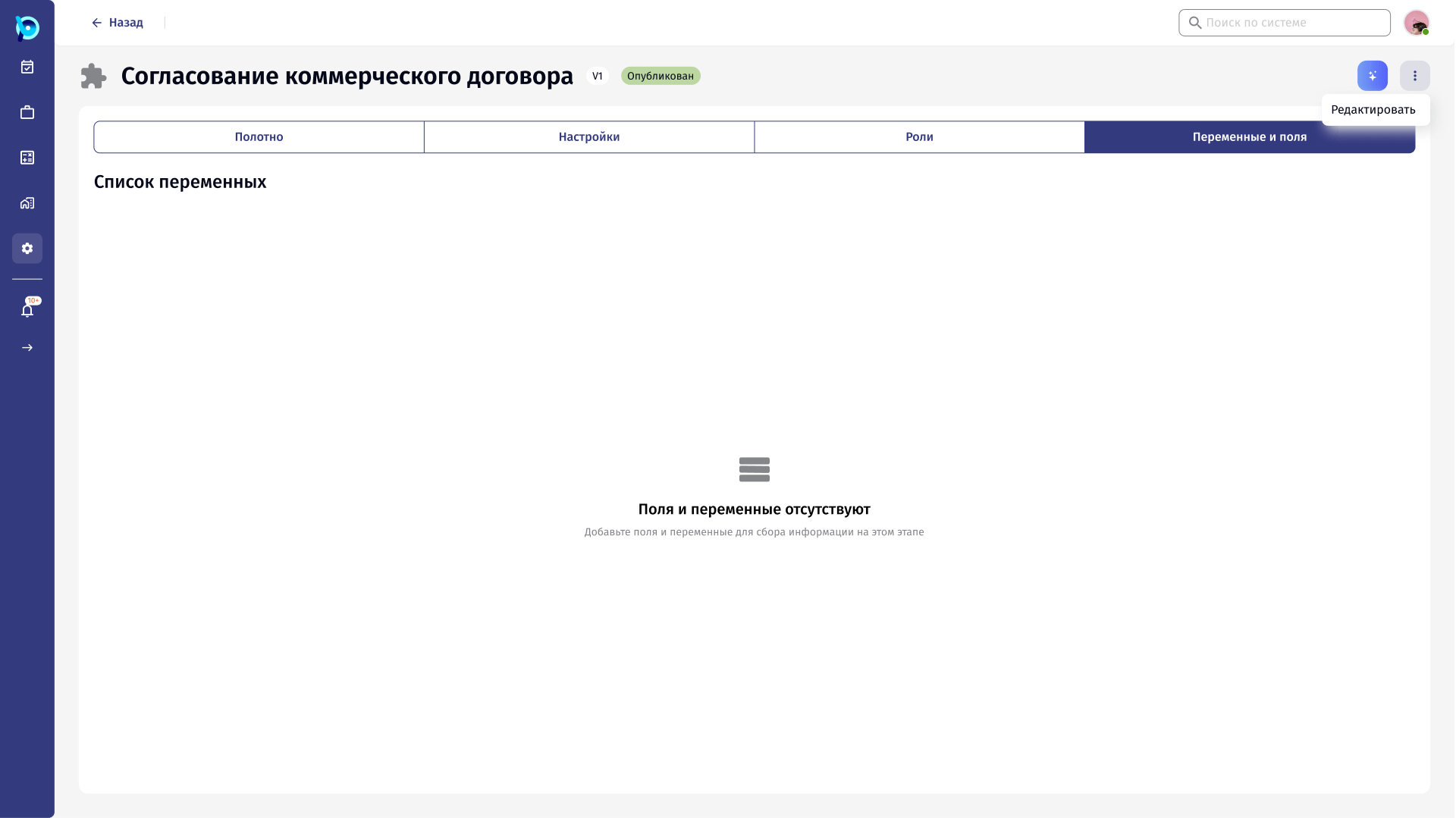
Changes are collected, then saved.
Editing a process puts it into a draft. Variables appear in a list with their format and type, can be reordered by dragging, and changes are counted next to the Save button until the draft is saved.
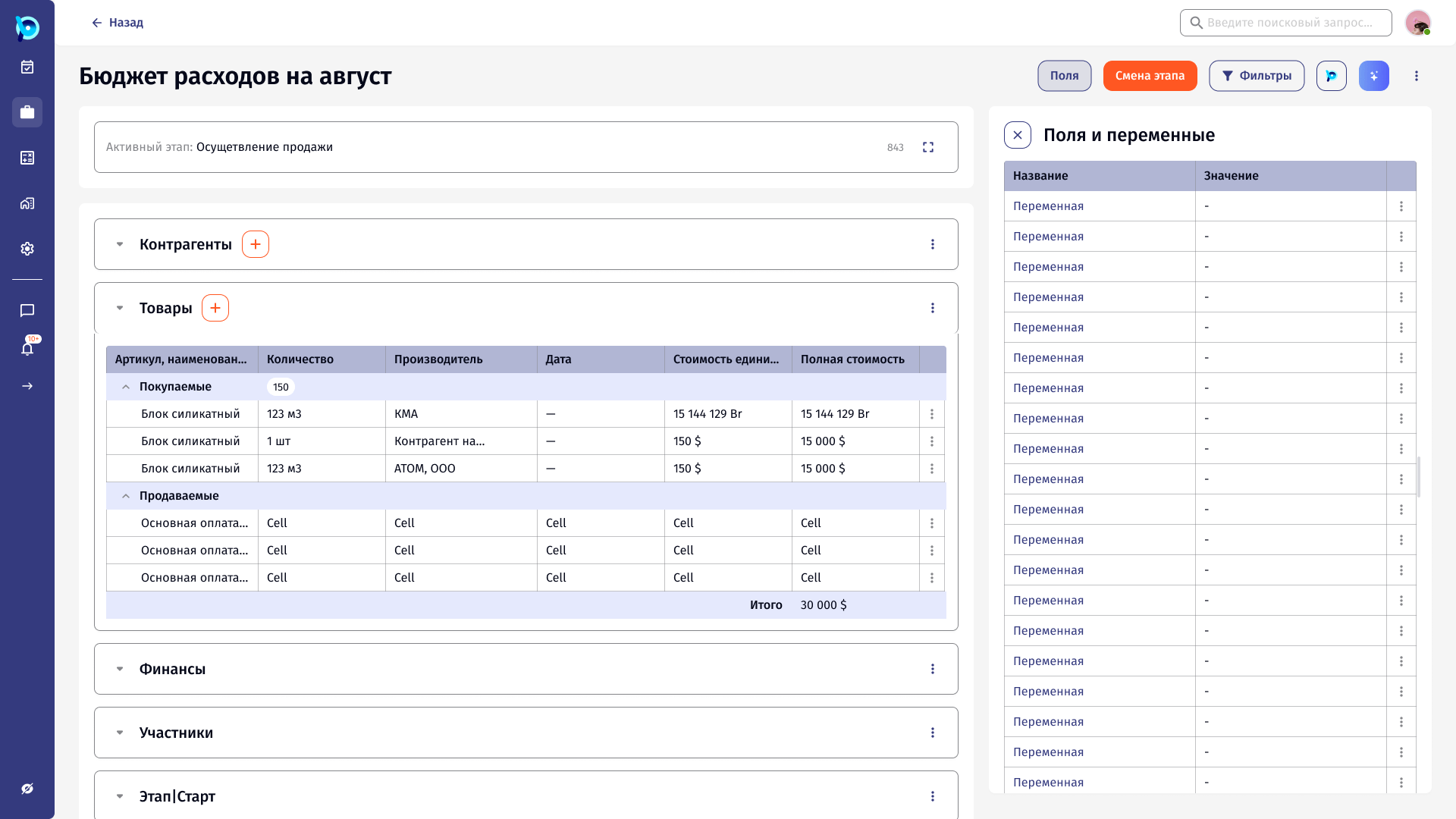
In a running instance, the same variables open in a side panel next to the instance’s data.
Draft status
Fields or variables
Drag to reorder
Format per variable
Changes counted
Key decisions
What and where, in two steps
The variable is defined once, then attached to stages.
Two entry points, one form
From the variables tab or from a stage on the canvas.
Draft before publish
Edits collect in a draft with a visible change count.
Format drives the form
Number, list, date, flag, file, link and string each have their own settings.
Rule of three
Lists designed for no, one and many variables and stages.
What was designed
Flows for adding a variable to a process and to a stage, settings for each variable format, access rights, and the variables view in a running instance, with empty, single and many-item states.