Saved List Views
Turning a set of filters, groupings and columns into a named view that can be reopened in one click, kept personal or shared.
The same list, seen many ways.
Registries in BusinessPad can hold thousands of records. The contractor payments registry in these screens has 1680.
People rarely look at all of them. A finance manager may only want overdue and scheduled payments, grouped by status. Setting that up again every time is repetitive.
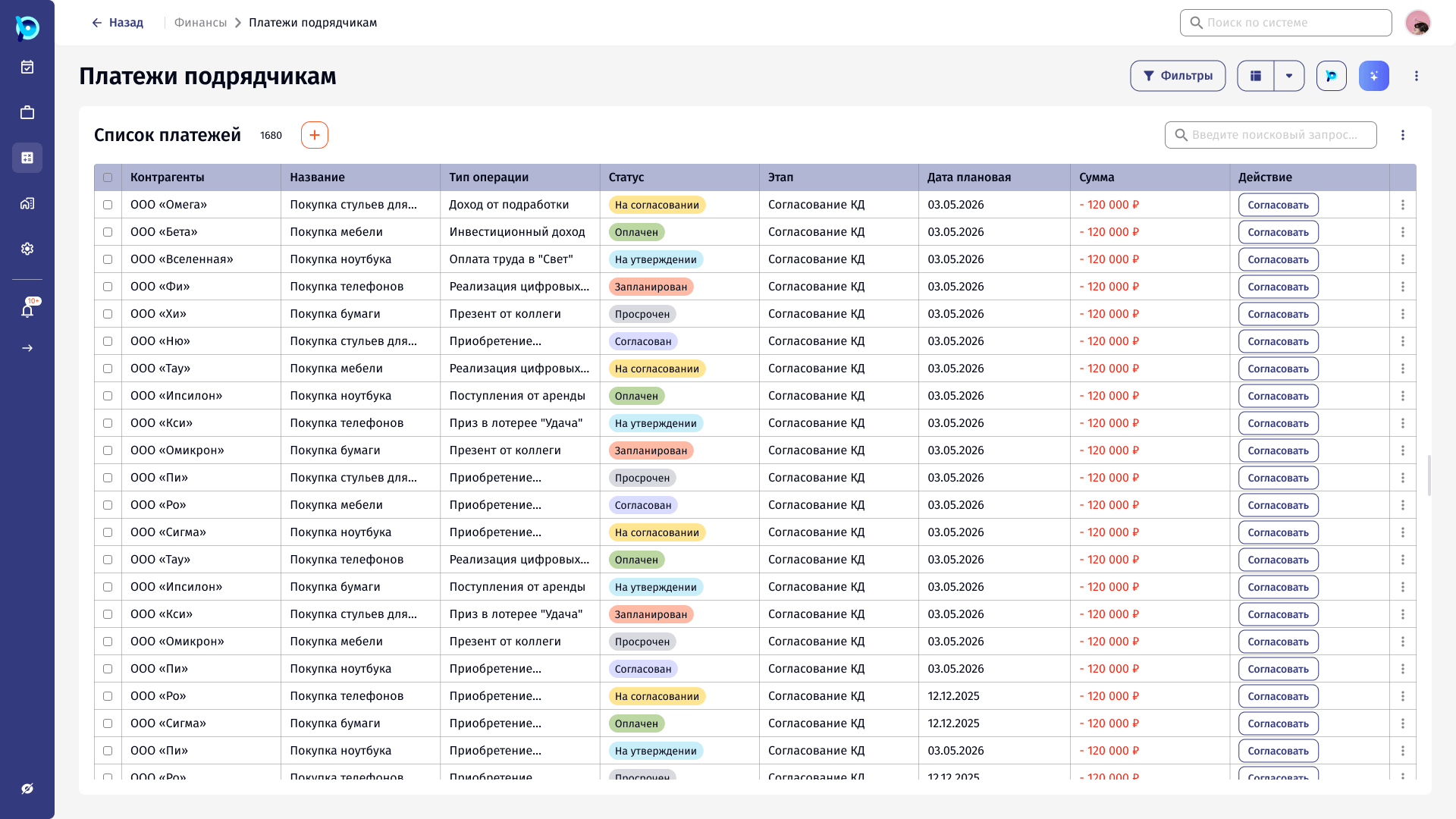
Filters are easy to set, hard to keep.
Filters, grouping and columns are configured separately and lost when the user leaves. There was no way to name a combination, come back to it, or give it to colleagues.
Save what is already on screen.
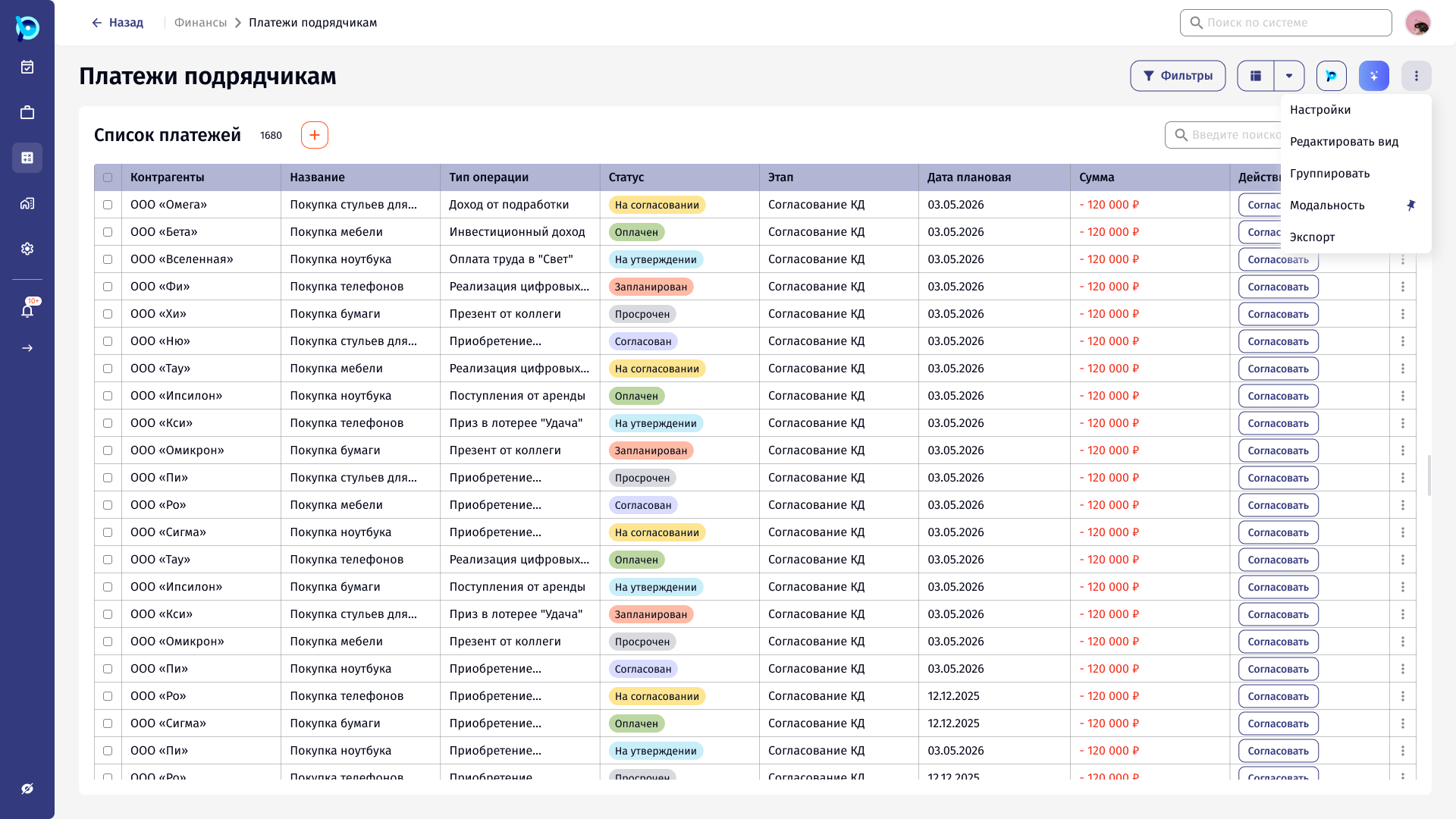
A modality is a saved configuration of the current list. The user sets up the list as usual, then saves it from the More menu with a name and a description.
Saved views live in a side panel next to the list, split into personal, shared and recommended.
An active view is always visible.
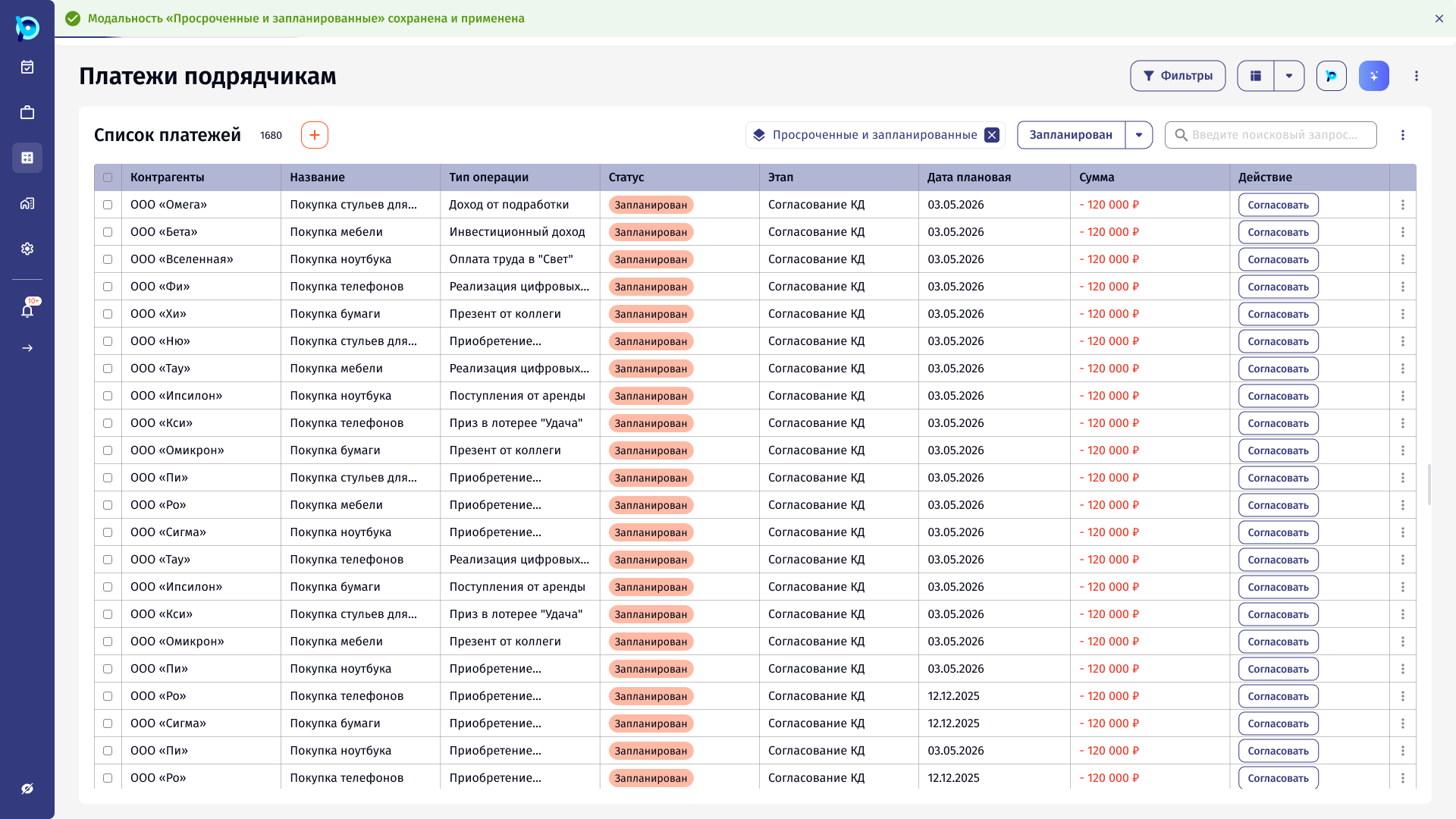
When a view is applied, it appears as a chip above the list with a way to remove it, so it is always clear that the list is not showing everything.
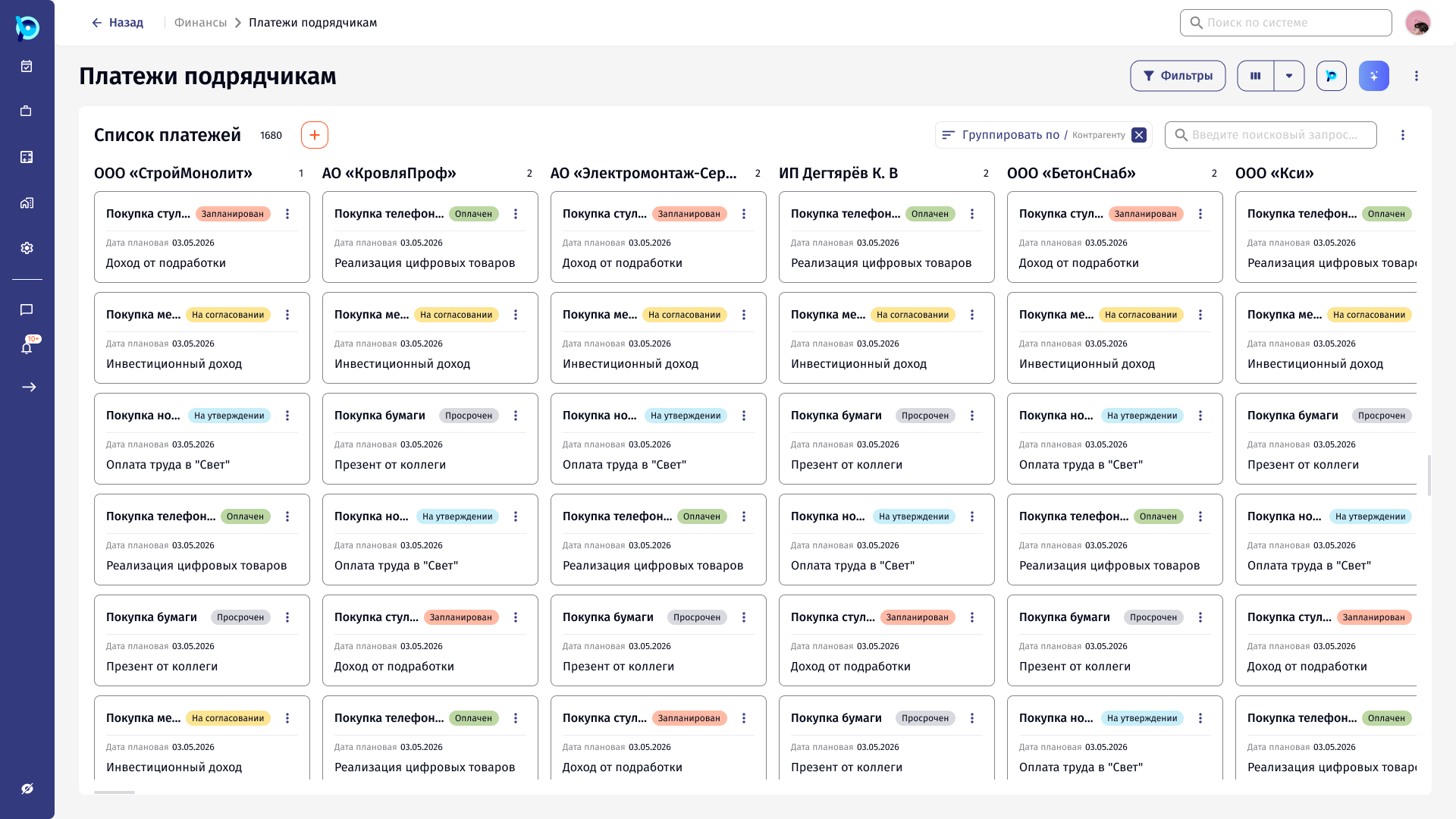
The same view logic works on other layouts, such as the registry shown as a board grouped by counterparty.
Confirmation
Active view chip
Group value
Key decisions
Save the current state
No separate builder: what is on screen is what gets saved.
Side panel, not a page
Views are picked while the list stays visible.
Mine, shared, recommended
Personal views and views others can use.
Always show what is applied
A chip makes a filtered list obvious.
Empty state teaches
The empty panel explains how to create the first view.
What was designed
The flow for creating, saving and applying a modality on a registry, the views panel, a step-by-step wizard variant for adding a modality, and examples on table and board layouts.