Designing a conversation that feels like a product, not a chatbot.
MagicPad, the AI assistant inside BusinessPad: a side panel and a full-screen workspace for asking questions, reading files and acting on the results.
- AVK Consulting
- Product Designer
- 2023–2025
- AI · Interaction Design
An assistant that lives where the work is.
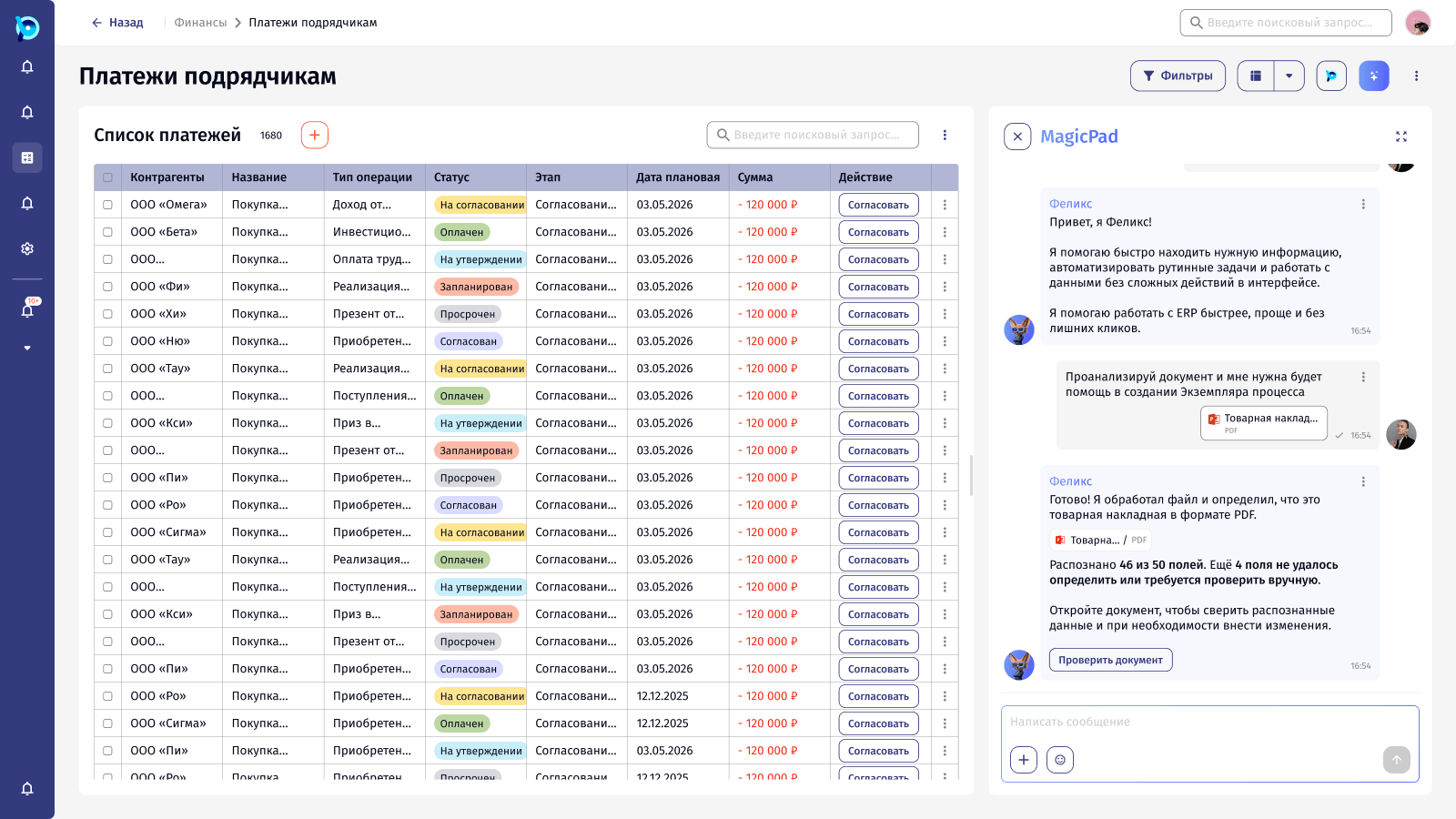
MagicPad opens as a panel next to any BusinessPad screen. Its assistant, Felix, can search across the platform, answer questions and turn documents into data, without the user leaving the list they are working in.
Once answers and actions enter a conversation, a text field is not enough. The interface has to show what the AI is doing, how sure it is, and what the person should check.
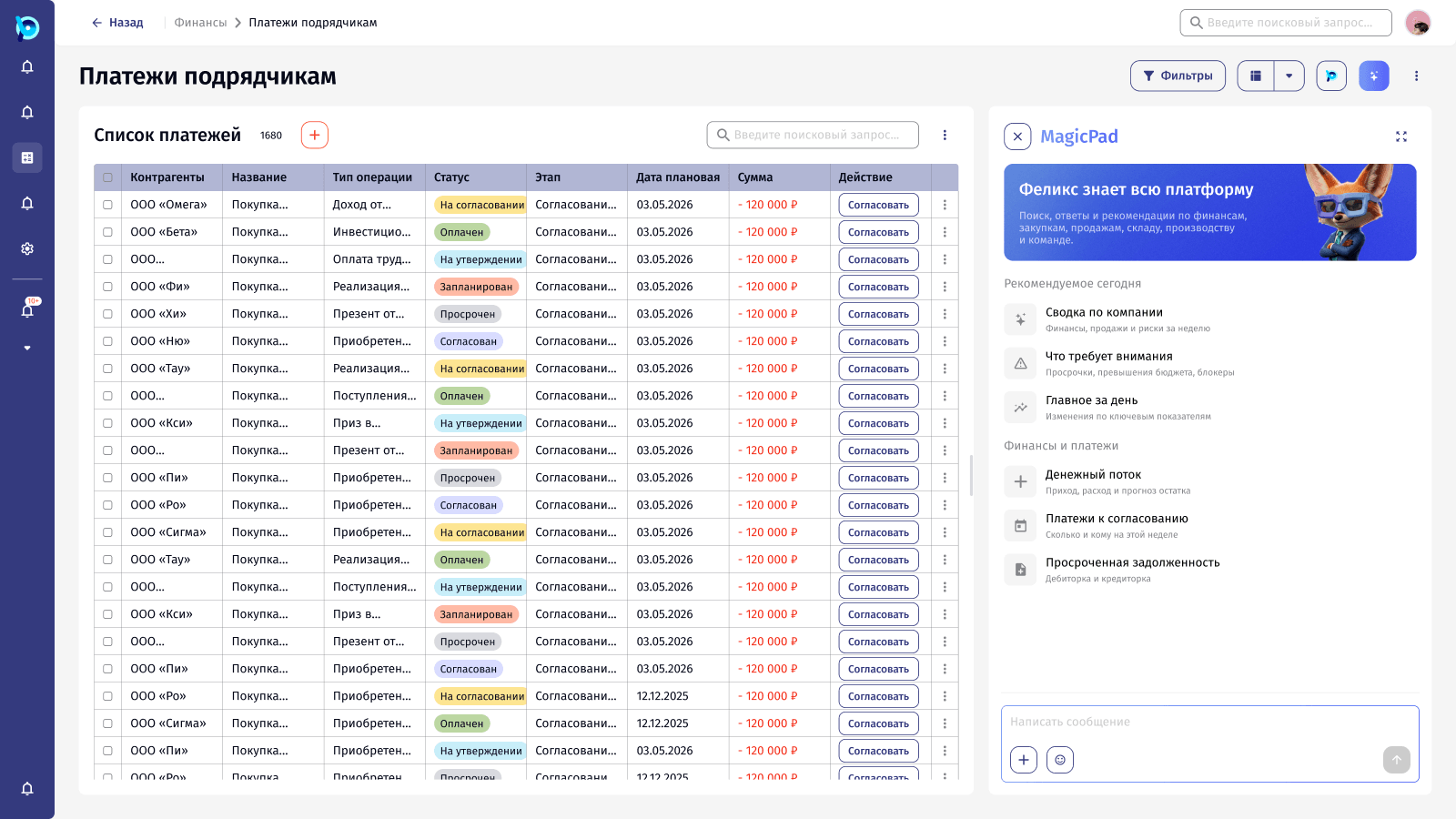
Opens beside the list
Felix
Suggestions for this context
One composer
Every step of a question has its own state.
Click through the prototype below. A question goes from typed to sent to thinking to answered, and each stage looks different, so the user never wonders if anything happened.
Typing
The send button turns active only when there is something to send.
Sending
The button becomes a spinner, so a second click doesn’t send twice.
Thinking / analysing
Felix says what he is doing: «Думаю…» for a question, «Анализирую…» for a file.
Answer
Answers are signed by Felix and timestamped, like any message in BusinessPad chats.
From an invoice to data a person has checked.
The main scenario: a user attaches a goods invoice and asks Felix to analyse it and help create a process instance. Felix names the document type, says how many fields he recognised and how many he couldn’t, and offers to open the document.
The check screen shows the original invoice next to every recognised field, with a confidence score and the place in the document it came from. Nothing is imported until the user confirms.
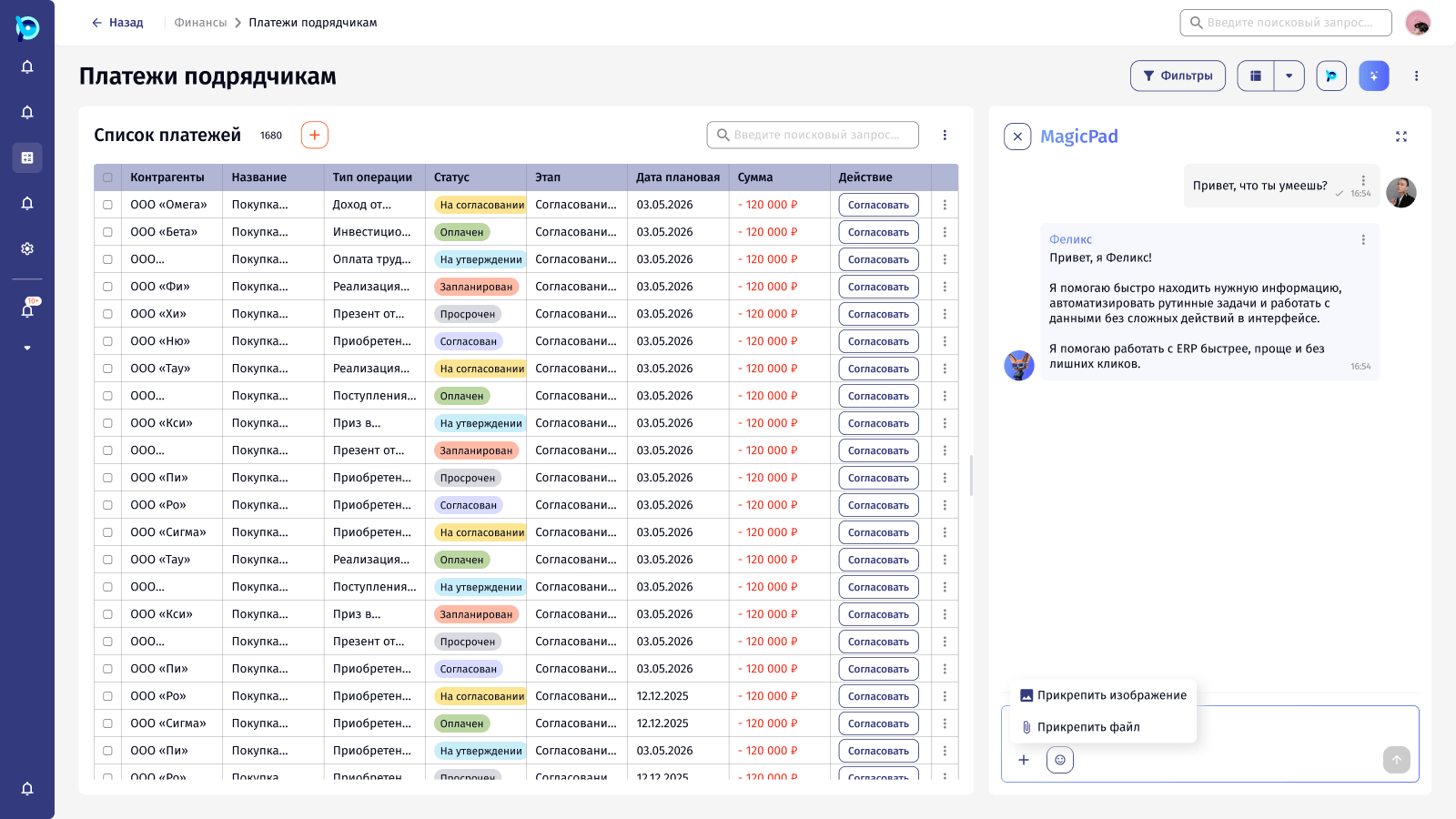
Says what it found
The source file
Honest about gaps
Next step as a button
Answers you can reply to, react to and report.
Felix’s messages work like messages from colleagues. They can be replied to with a quote, branched into a new chat, read aloud, reacted to, or reported if something is wrong.
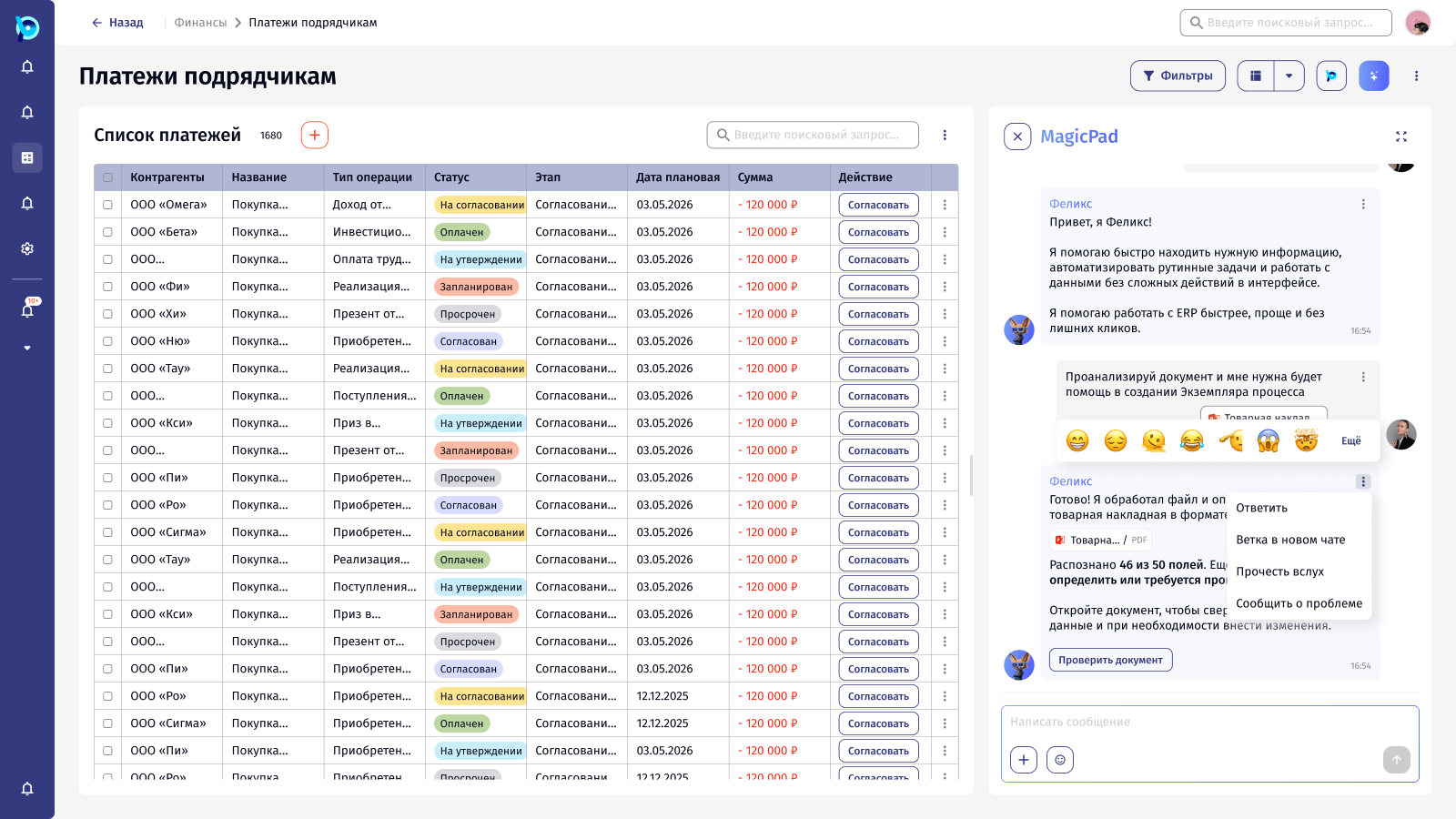
A side panel for quick questions, a full screen for longer work.
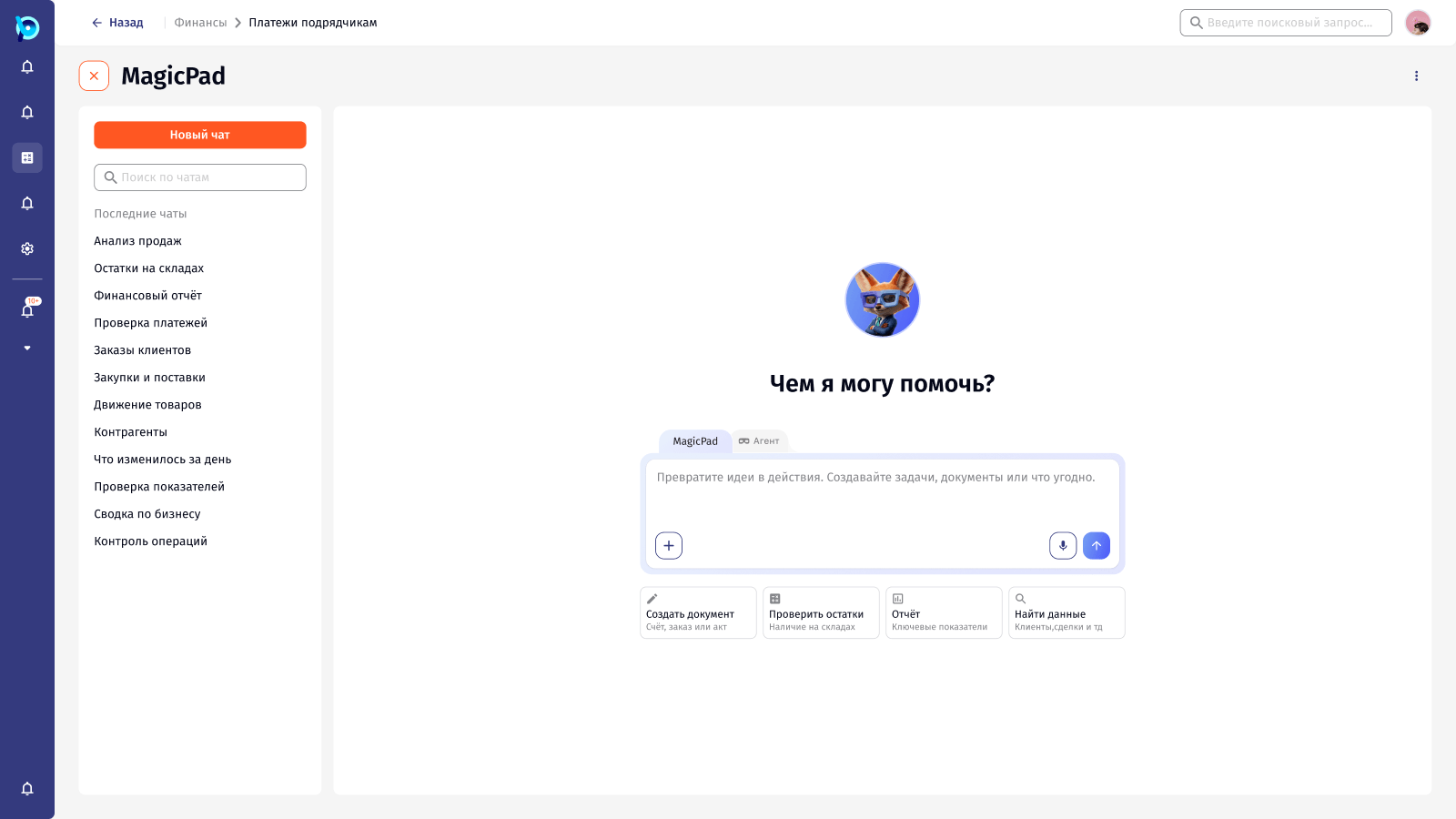
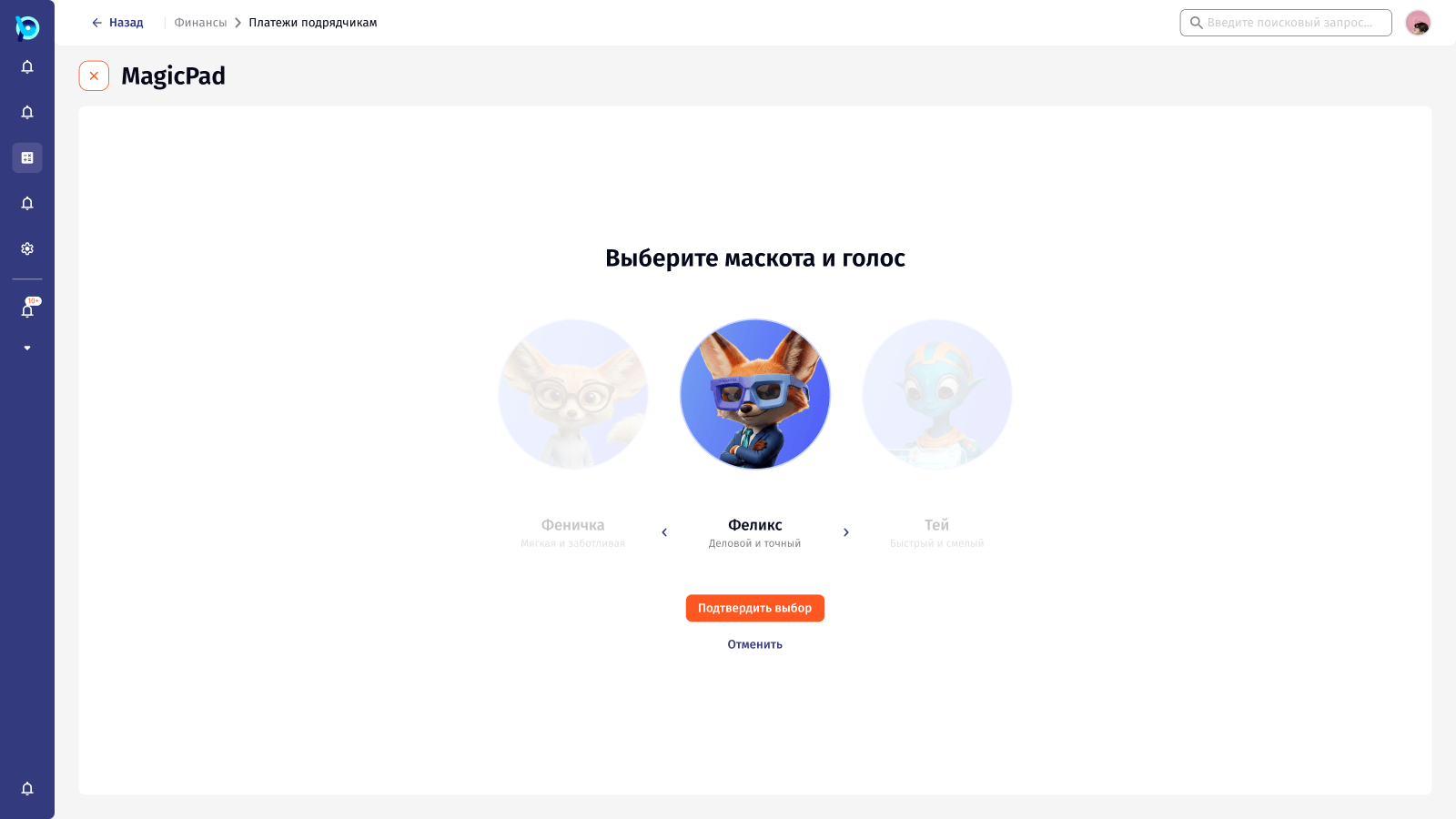
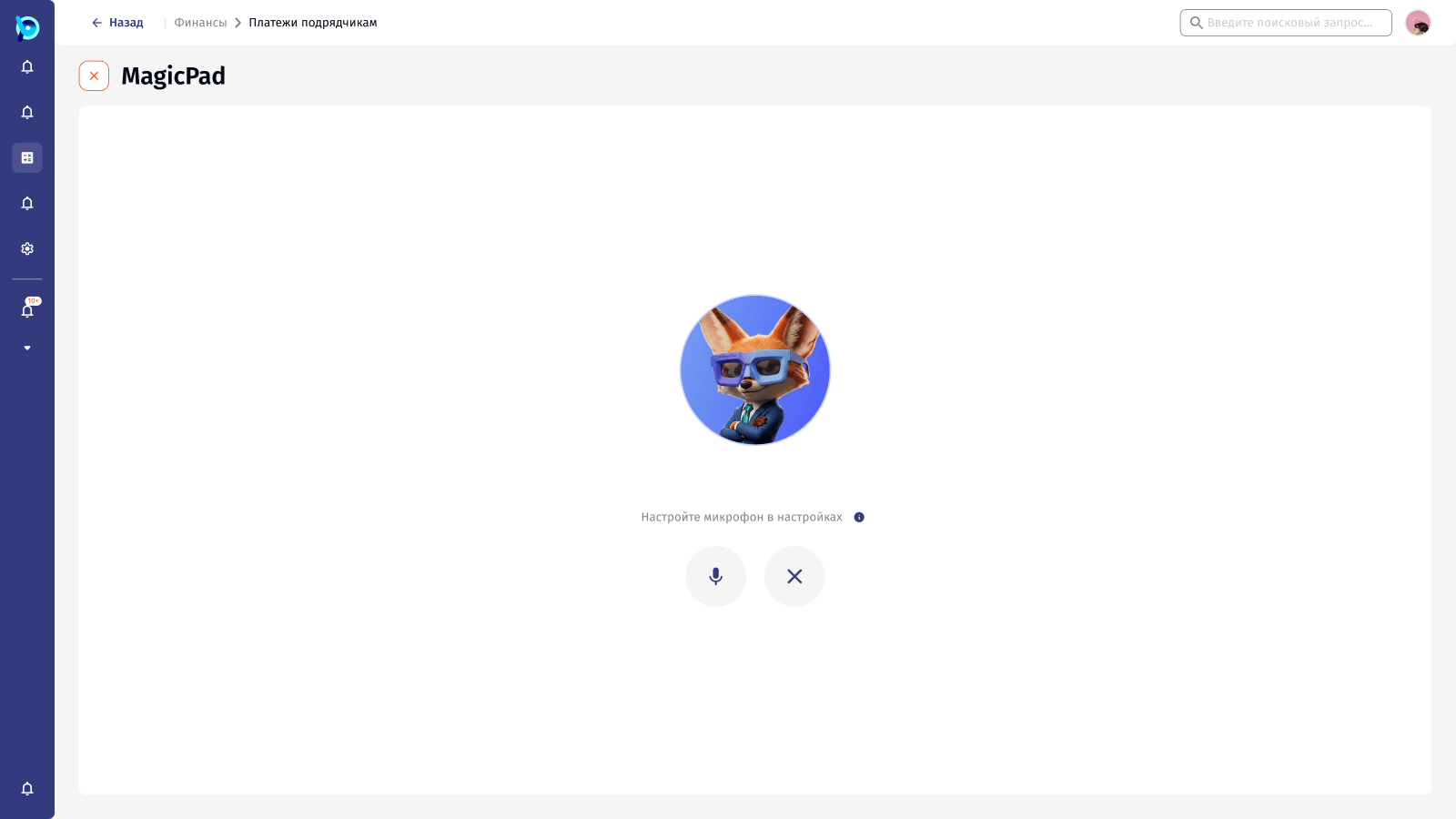
Full-screen MagicPad keeps a history of chats, offers quick actions to start from, and switches between MagicPad and Agent modes. Users can also pick a mascot and voice, and talk to Felix instead of typing.
A few rules behind the assistant.
Next to the work, not instead of it
MagicPad opens beside the list the user is in, and its suggestions follow that context.
Always say what is happening
Sending, thinking and analysing each have their own visible state.
Show how sure the AI is
File results say how many fields were recognised and how many need a human check.
The person confirms
Recognised data goes to a check screen with sources before anything is imported.